Photos, straight to their camera roll.
Send your client one private link. They tap Save and every photo lands in their camera roll at full quality, with no app or account.
Three easy steps.
- 1
Upload the shoot
Drag your photos in on a computer. Previews are made in your browser while they upload.
- 2
Send one private link
By WhatsApp, text or email. Add a password or an expiry date if you like.
- 3
They tap Save
iPhone: Save Images to Photos. Android: straight to the gallery. Computer: a zip or a folder.
Try it on your own phone.
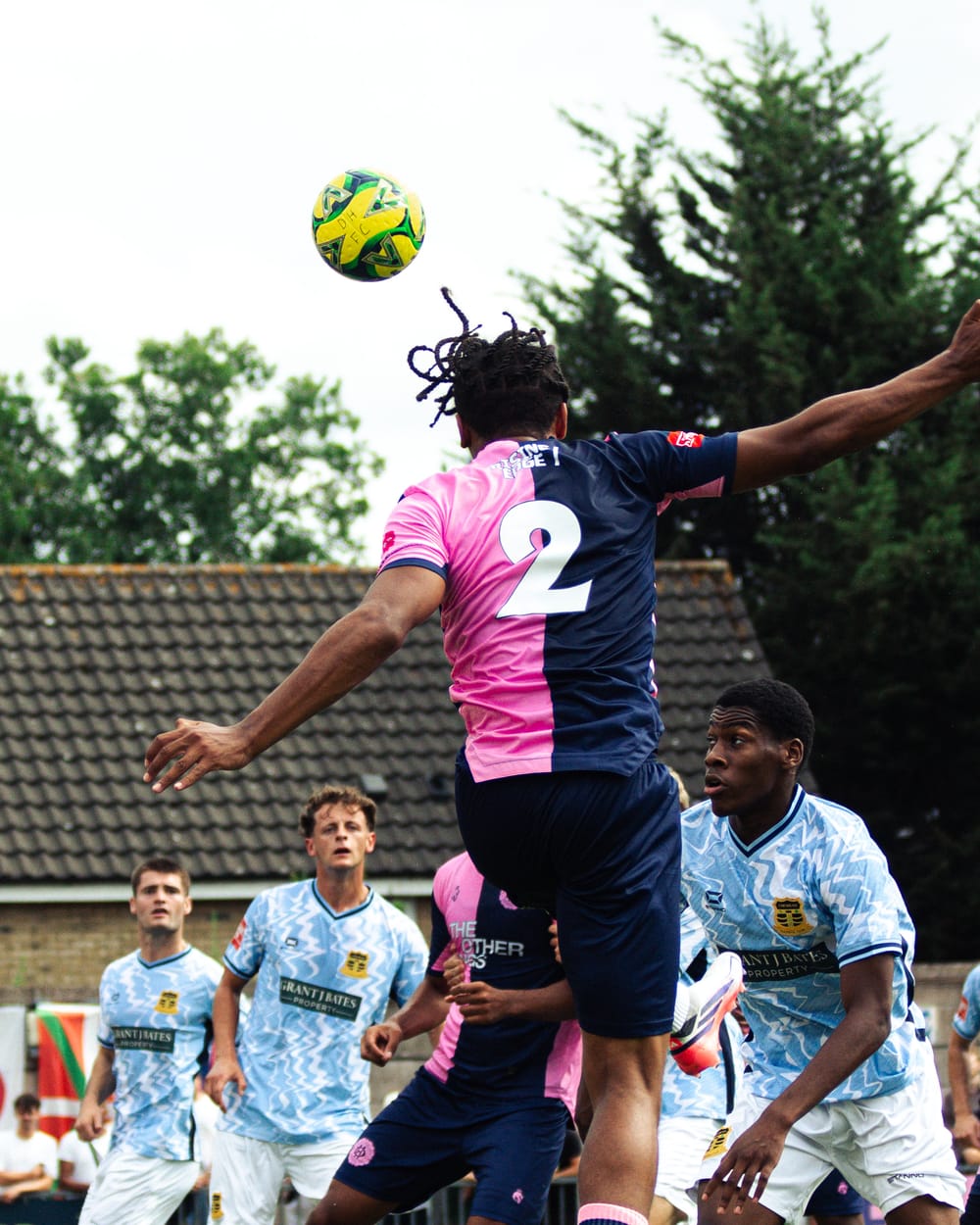
A real gallery of 20 photos from Dulwich Hamlet v Cheshunt. Open it on your phone, save a few, then check your camera roll.
Open the demo galleryFull size is the original file, so the date taken comes with it.


The good stuff.
The original file
Full size is byte for byte, never squashed, so it keeps the date taken.
Private links
Long random links that never show up on Google.
Password and expiry date
Only if you want them. Downloads can be switched off too.
Your brand on every gallery
Your logo, business name and button colour.
Know they got them
See how many times a gallery was opened and how many photos were saved.
Stored in the EU
Your photos stay on servers inside the EU.
Your next shoot, served.
Upload it, send one link, and see when it's been saved.
Create a free account